
Glass Repair Canada · Daylight at the workstation
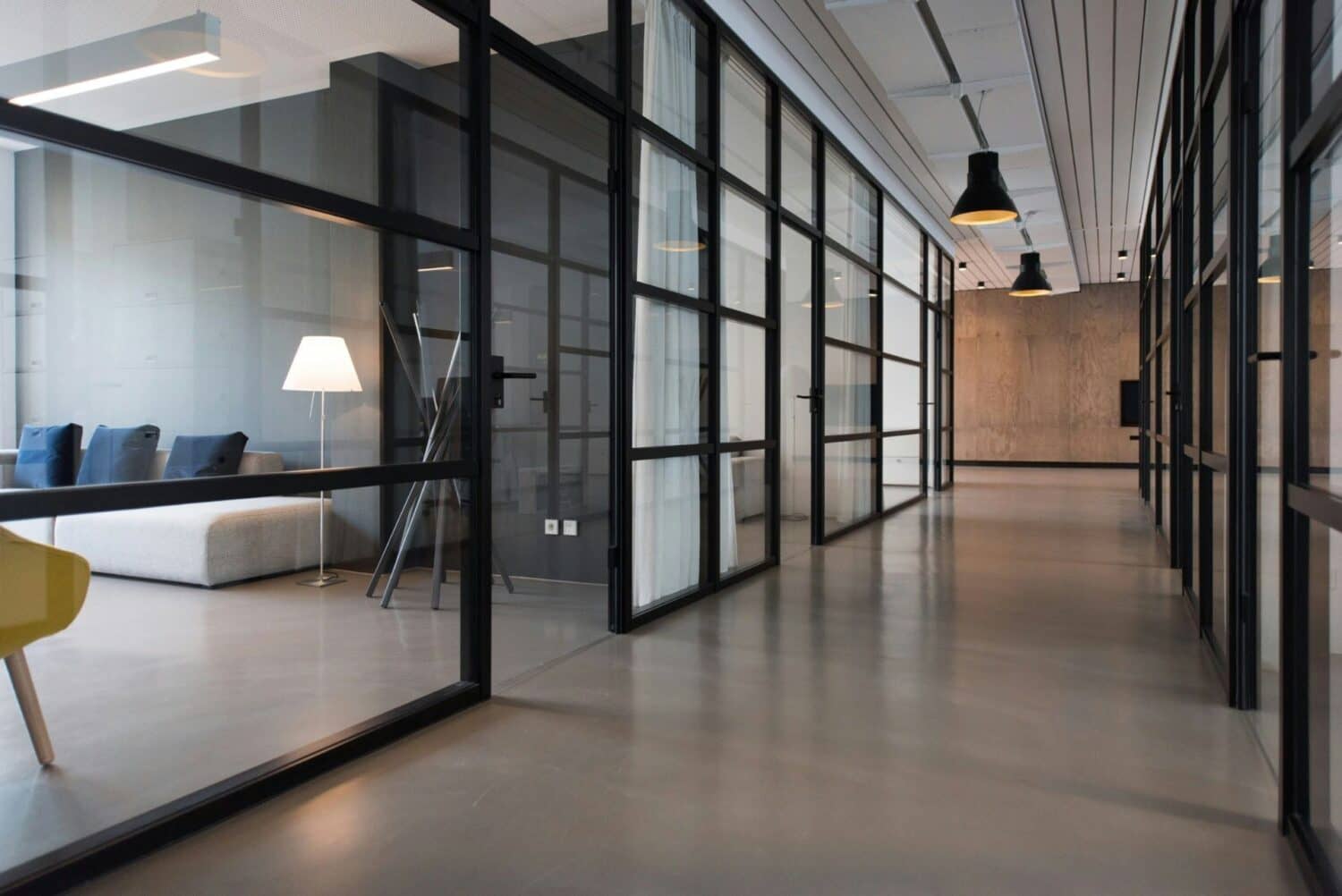
The benefits of natural light in an office come from useful daylight, comfortable visibility and a connection to the outdoors. More glass can help light pass through a workplace. Good office lighting design combines the room layout, glazing, blinds and electric lighting so that brightness is useful at the desks.
Direct sun on a monitor or a hot meeting room can make a bright office difficult to use. For a Toronto office planning glass partition changes, begin at the desks. Identify where light is wanted, where glare is a problem and which conversations need privacy. That gives the glazing work a clear purpose beyond making the room look brighter.
Start with a real workstation problem. A brighter-looking room is not the same as a more comfortable desk.
Compare a desk before and afterWhat natural light can improve
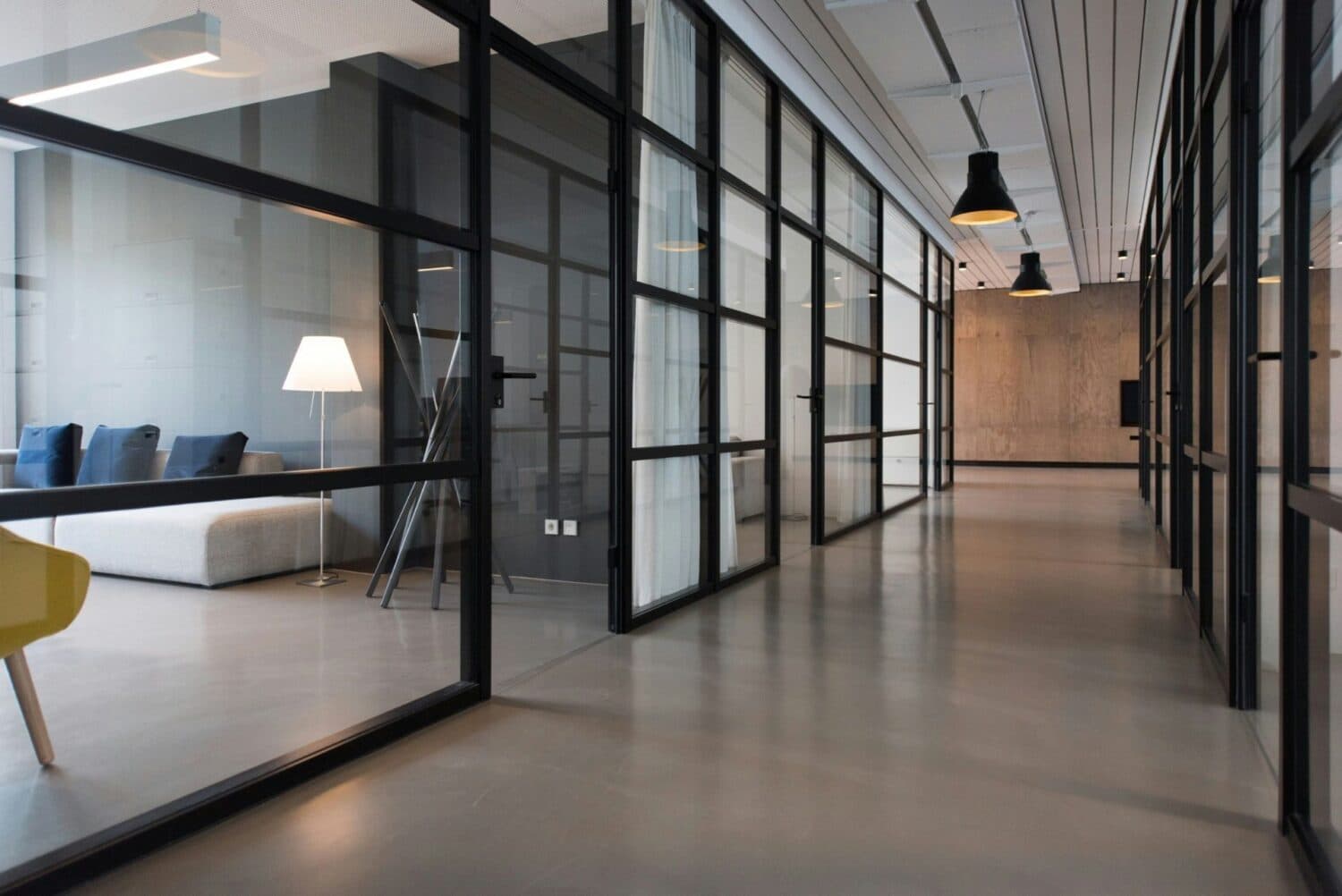
Daylight can make it easier to see tasks when it provides appropriate brightness without strong reflections. Windows may also give people a view and a way to notice changes in weather and time of day. These are separate benefits: an internal glass partition may borrow daylight without giving every desk an outside view.
Natural light and productivity are often discussed together, but a new glass wall does not come with a reliable percentage increase in output. Comfort, concentration and measured task performance are different outcomes.
Define the change you want to see. Judge an office change by the problems it is intended to solve, such as staff closing the blinds all morning or struggling with reflections on a shared screen.
Start with the direction of the light
In Toronto and other Ontario locations, seasonal sun angles and shorter winter days affect office daylighting. A room that feels comfortable on an overcast day may have a different problem during low afternoon sun.
Nearby towers, balconies, trees and overhangs also change the exposure.
Use orientation as a starting point. It does not tell you how bright a monitor will be or how much cooling the room needs.
- East-facing · check the morning
Windows can receive direct morning sun, which matters for desks used early in the day.
- West-facing · check the afternoon
Windows can create afternoon glare and heat when staff are still at their screens.
- South-facing · review shading
Glazing may receive substantial sun; shading and the glass specification help determine the result.
- North-facing · check surrounding reflections
Glazing often receives more diffuse light, but surrounding reflections and the building layout still matter.
Office glare control starts before adding more glazing
If a window appears as a reflection in a monitor, changing the desk or screen angle may help before any glass is replaced. A screen directly facing a bright window can also create an uncomfortable contrast between the display and its background. Check both what the user sees behind the screen and what reflects in it.
Give people control
Adjustable blinds or shades give occupants a way to respond to changing sunlight.
Light the task
Task lamps can illuminate paperwork without making the screen area excessively bright.
Keep a lighting backup
Keep electric lighting available for darker weather, winter afternoons and desks beyond the daylight zone.
Frosting can obscure a view, but a bright frosted panel may still distract someone seated beside it. A tinted or solar-control glazing product changes a different part of the problem. Choose the treatment after identifying whether the concern is visual privacy, reflections, heat or insufficient light.
What glass partitions can and cannot do
A solid wall stops daylight from passing directly through it. A glazed division can let some light continue into an adjoining room or corridor, depending on the panel, frames and layout. This can be helpful when a window-facing meeting room sits between the exterior and the rest of the office. Our glass partition benefits guide covers daylight, privacy and sound together.
Glazing can let light continue through a room. Furniture, partition position and room depth still affect where that light reaches.
A deep floor plate may still need overhead or task lighting. More glass does not guarantee suitable brightness at interior workstations.
Reduced electricity use also requires the lighting to dim or switch off when daylight is sufficient; a bright room with all lights left on does not automatically save energy.
Clear glass preserves views through a room. Partial frosting can screen selected desk or meeting-room sightlines. Full frosting offers broader visual separation, with product-specific light transmission. Our frosted glass pros and cons guide explains how to test privacy before ordering a finish.
Keep privacy and noise in the plan
Opening sightlines can make an office feel connected, but staff may still need private calls and focused work. Consider the door, seals and complete partition where sound matters. Frosting affects the view through the glass, not the acoustic rating of the room.
A practical before-and-after check
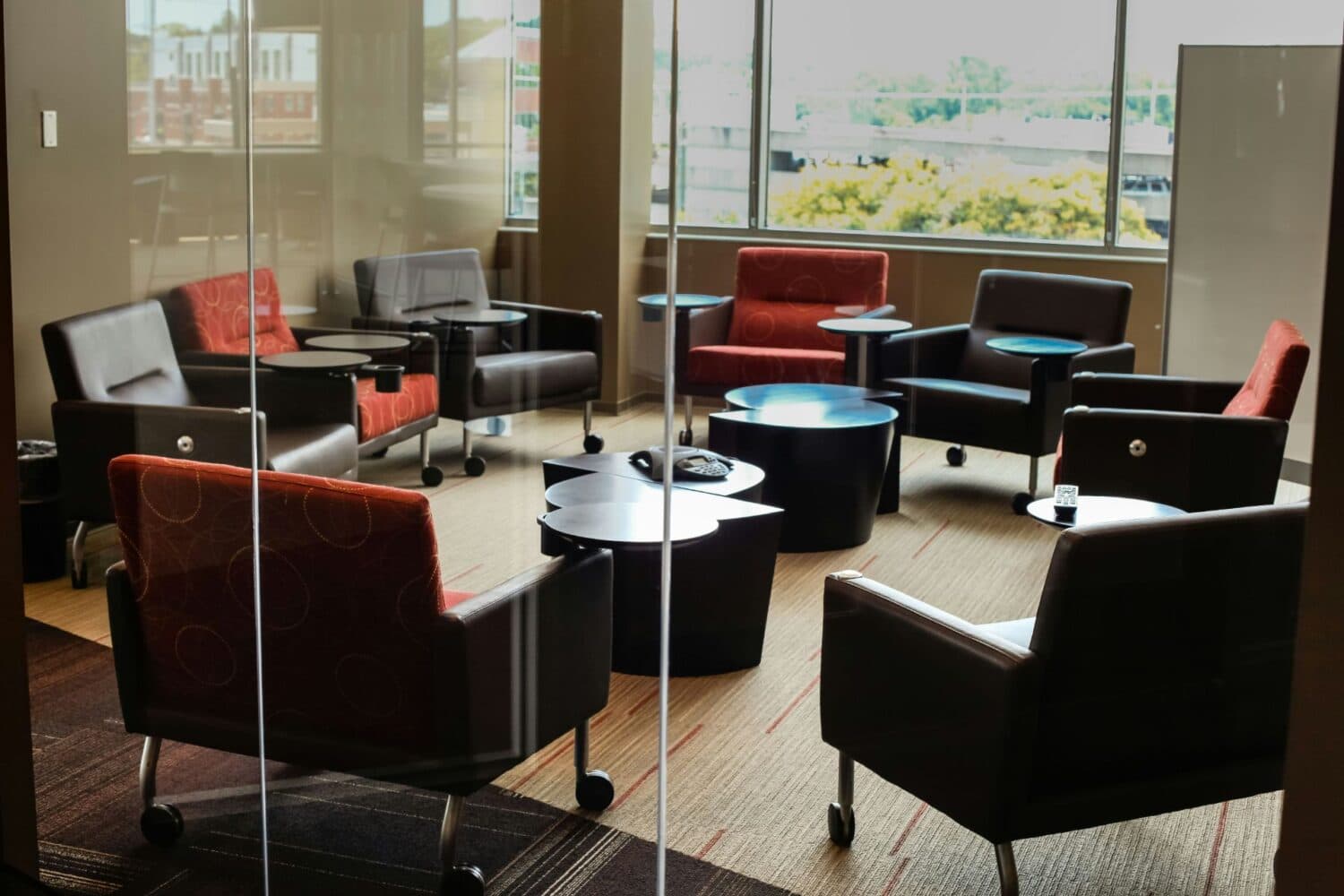
Visit the affected workstations when the problem is usually worst. Note the time, weather, blind position and screen reflections. Ask the people using the space about brightness, temperature and whether they can reach the controls. Include staff who use the office at different times rather than judging it during one midday visit.
After the changes, check the same desks under similar conditions. These observations make follow-up adjustments more useful than a broad claim that the office is now “more productive.”
A desk-level observation tool
Compare screen glare before and after
Use one desk and one screen for both visits. Record whether reflections interfere with reading, then review the follow-up below. This compares your observations; it does not measure illuminance or productivity.
Look beyond the screen reflection
- Reading comfortAre screens easier to read at the times people actually use the desk?
- Shade controlCan people adjust the shade without blocking daylight for the whole room?
- Task lightingDoes the interior still need a task light for paperwork or darker conditions?
- Everyday useAsk about temperature, access to controls and whether the space still supports private calls and focused work.
Natural light and office glass: common questions
Will glass partitions improve productivity by a fixed percentage?
No reliable percentage increase follows from installing a new glass wall. Comfort, concentration and task performance are different outcomes. Assess the change against specific problems such as screen reflections, blind use and lighting at the desk.
Does frosted glass remove office glare?
Not automatically. A frosted panel can still be bright beside a monitor. Identify whether the issue is privacy, reflections, heat or insufficient light before choosing a treatment.
Will more daylight automatically reduce electricity use?
No. Electric lighting must dim or switch off when daylight is sufficient for that benefit to occur. Interior desks may still need overhead or task lighting.
Can internal glass give every desk an outside view?
No. A partition may borrow daylight without providing a direct outdoor view. The room layout, partition position, furniture and depth of the floor plate affect what each desk receives.
Plan the glass work around a defined problem
Glass Repair Canada handles office glass-wall repairs, replacement panels and privacy refits in Toronto and the GTA.
Share photos of the existing panels and the workstation or room affected. Explain whether the goal is clearer borrowed light, a changed privacy finish or replacement of damaged glass, so the proposed work fits the way your office is used.